Color
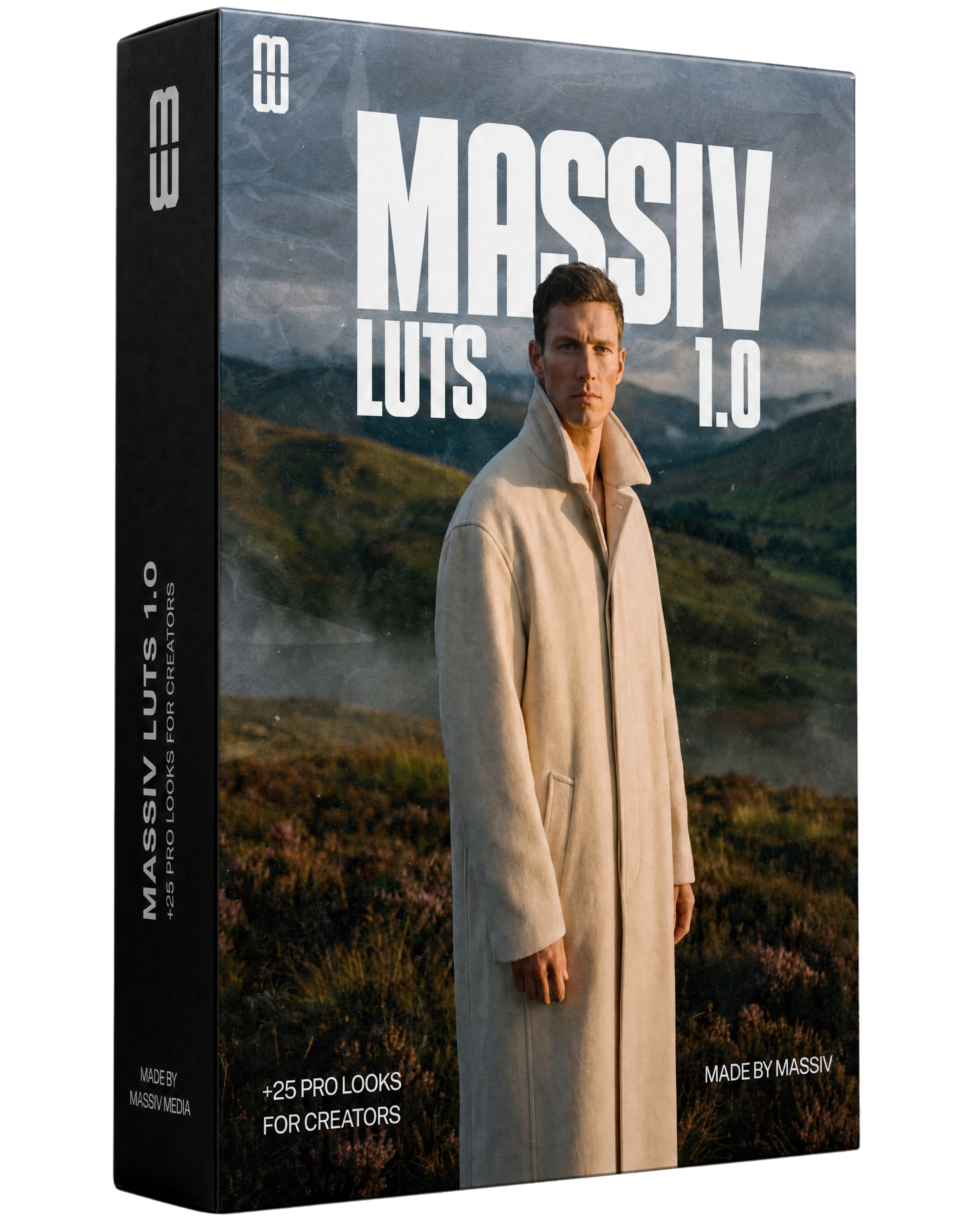
Massiv LUTs 1.0
+25 pro looks for creators
Commercial client work included with every purchase.
- Version
- 1.0
- File size
- ~280 MB
- Formats
- .cube
- Min. software
- Any current version
// Live demo
Drag the handle and see the difference
The left side shows the unprocessed (Log) image; the right side shows it with the LUT applied. Slide to feel the look in real time.

 Without LUTWith LUT
More looks

 Without LUTWith LUT
 Without LUTWith LUT
 Without LUTWith LUT
 Without LUTWith LUT
The promise
Massiv LUTs 1.0 is a pack of 25 professional cinematic LUTs built for fast, consistent color grading across any footage. From warm golden-hour tones to moody teal-and-orange film looks, each LUT is tuned for skin-tone protection and instant one-click application. Buy once, use forever in your client work.
What is included
25 professional .cube LUTs covering cinematic, golden hour, moody, vintage and clean commercial looks.
Compatibility
Import the .cube files into your editor's LUT panel (Premiere: Lumetri > Creative > Input LUT; DaVinci: Project Settings > Color Management; FCP: Effects > LUT drop-down).
Frequently asked questions
What software do these LUTs work with?
Any app that supports .cube LUTs: Premiere Pro, DaVinci Resolve, Final Cut Pro, After Effects and Photoshop.
Can I use these in client work?
Yes. The Creator Commercial license covers commercial and client projects. Studio and Team tiers extend coverage for larger teams.
How do I install them?
Import the .cube files into your editor's LUT browser and apply to any clip with a single click.